
Creating a home office that is both cozy and productive can positively impact your work-from-home experience. Whether you’re working full-time remotely, freelancing, or simply need a dedicated space to focus, designing an environment that encourages efficiency while feeling comfortable is essential. This guide offers clear and practical tips to help you set up a home office that suits your needs and style.
1. Choose the Right Location
Consider Natural Light
Select a spot with plenty of natural light. Natural sunlight improves mood, reduces eye strain, and makes the workspace more inviting. If possible, position your desk near a window, but avoid glare on your computer screen.
Minimize Distractions
Pick a quiet corner or a room where household activities won’t interrupt you. If you don’t have a separate room, use room dividers or noise-cancelling headphones to create boundaries between work and home life.
2. Invest in a Comfortable Desk and Chair
Ergonomics Matter
A supportive chair and a properly sized desk can prevent discomfort and promote good posture. Look for an adjustable chair that supports your lower back and allows your feet to rest flat on the floor. Your desk should be at a height where your forearms are parallel to the floor when typing.
Choose the Right Desk Size
The desk should be large enough to hold your computer, paperwork, and other essentials without feeling cluttered. Consider desks with built-in storage to keep things organized.
3. Personalize Your Workspace
Add Comfortable Textiles
Soft elements like a cushioned chair pad, a cozy throw blanket, or a small rug can add warmth and comfort to your office.
Use Plants and Art
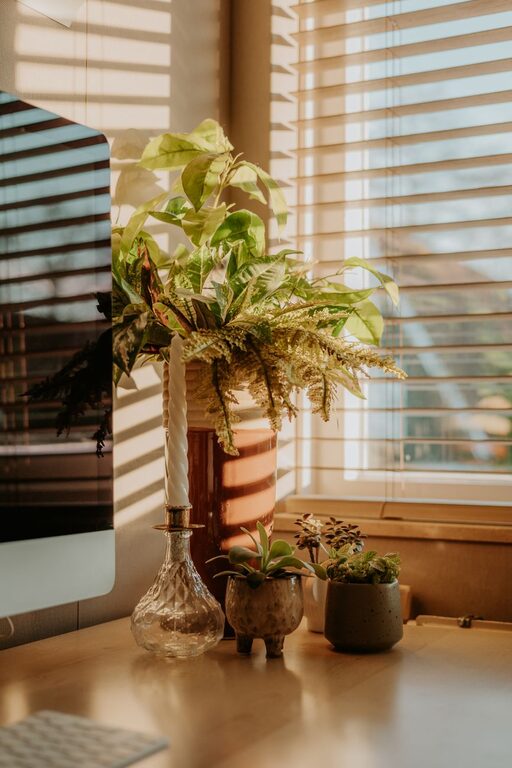
Incorporate greenery with potted plants or succulents to add life and improve air quality. Hang artwork or photos that inspire you and make the space more welcoming.
4. Optimize Lighting
Balance Ambient and Task Lighting
Good lighting reduces eye strain and helps maintain focus. Use a combination of overhead lighting and task lighting, such as a desk lamp with adjustable brightness. Warm light tones generally create a more relaxing atmosphere.
Avoid Harsh or Dim Lights
Avoid fluorescent lights or overly bright bulbs that can cause headaches. Instead, opt for LED bulbs with adjustable settings for the best balance.
5. Keep Your Workspace Organized
Use Storage Solutions
Desk organizers, shelves, and filing cabinets help keep your supplies and documents in order. Label containers and drawers to save time searching for items.
Declutter Regularly
Set aside a few minutes at the end of each day to tidy up your workspace. A clean area can improve concentration and reduce stress.
6. Incorporate Technology Wisely
Prioritize a Reliable Setup
Invest in a good quality computer, fast internet connection, and any necessary peripherals such as a printer or external monitor.
Manage Cable Clutter
Use cable organizers or clips to keep cords tidy and out of the way. This not only improves the look of your space but also reduces tripping hazards.
7. Create Zones for Different Activities
Separate Work and Break Areas
If space allows, designate a small area for short breaks or quick stretching. This helps signal your brain to switch between work and rest.
Use a Whiteboard or Bulletin Board
Keep track of important tasks, goals, and deadlines by placing a whiteboard or bulletin board within easy view.
8. Set a Comfortable Room Temperature
Adjust for Your Comfort
A room that is too hot or cold can be distracting. Use a fan, heater, or air conditioner to maintain a comfortable temperature throughout your workday.
Improve Air Quality
Open windows when possible or use an air purifier to keep the air fresh and reduce fatigue.
9. Add Personal Touches That Motivate
Choose Inspiring Colors
Colors can affect mood and productivity. Blues and greens are calming, while yellows and oranges can energize. Select colors that suit your personality and work style.
Play Background Music
If music helps you focus, create a playlist of instrumental or soft tunes. Avoid anything too loud or with distracting lyrics.
10. Establish Boundaries and Routine
Define Work Hours
Having set times for starting and ending your workday helps maintain a healthy work-life balance.
Communicate Boundaries with Others
Let household members know when you’re working to minimize interruptions.
—
By thoughtfully designing your home office, you can create a space that feels welcoming and supports your productivity. Small changes and mindful planning can make working from home a more enjoyable and successful experience. Remember, your workspace should reflect your needs and tastes, so don’t hesitate to experiment until you find what works best for you.