Creating a cozy and inviting home office space is essential for productivity, creativity, and overall well-being—especially if you’re spending long hours working from home. A thoughtfully designed workspace can help you stay focused and feel comfortable, making work feel less like a chore and more like an enjoyable part of your day. Whether you have a dedicated room or just a small corner to convert into an office, these tips will help you design a space where you’ll look forward to working every day.
Choose the Right Location
Consider Natural Light
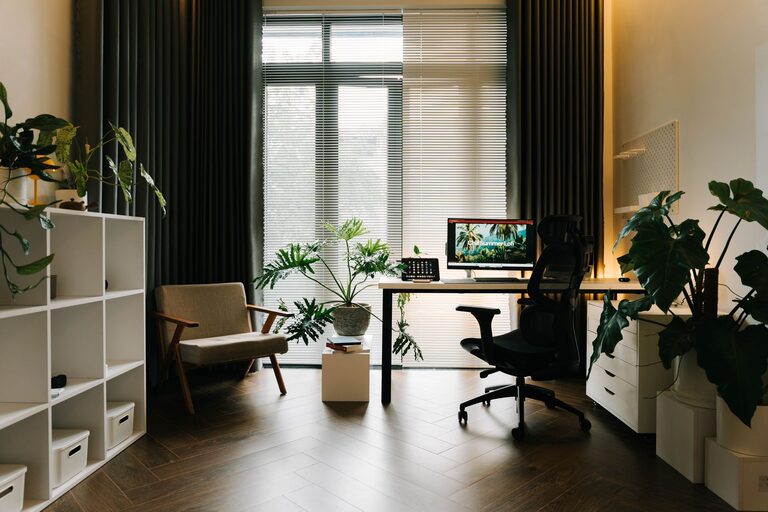
Start by selecting a spot with plenty of natural light. Sunlight has been shown to improve mood and energy, helping you stay alert throughout your workday. If possible, position your desk near a window, but avoid direct glare on your computer screen.
Find a Quiet Space
Pick a place that is relatively quiet and free from distractions. This will help you concentrate better and maintain a calm environment for work calls and focused tasks.
Invest in Comfortable and Ergonomic Furniture
Select an Ergonomic Chair
Comfort is key when choosing a chair for your office. Look for one with adjustable height, good lumbar support, and cushioned seating. An ergonomic chair reduces back strain and helps maintain good posture.
Choose the Right Desk
Your desk should fit your work needs and room size. Consider the height and surface area to accommodate your computer, notebooks, and other essentials, without feeling cluttered.
Add Personal Touches to Make It Inviting
Incorporate Warm Colors and Textures
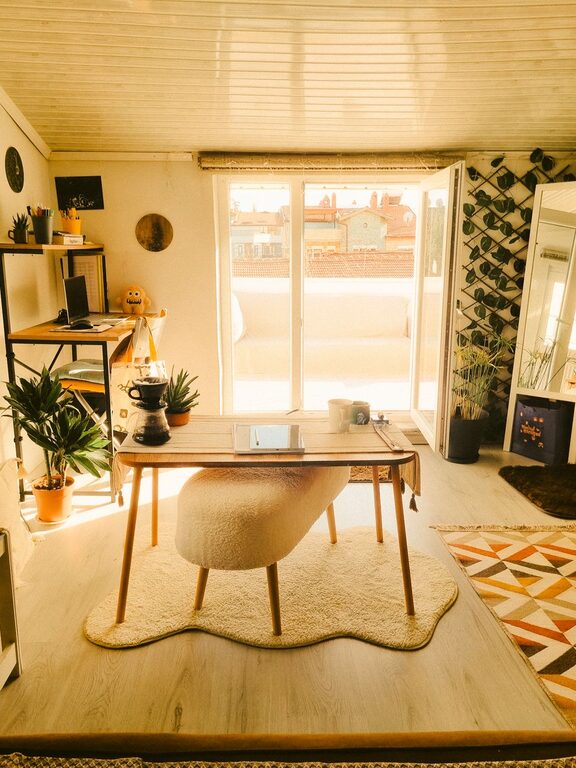
Warm tones like soft beige, gentle yellows, or muted oranges create a welcoming atmosphere. Adding plush cushions, a cozy rug, or curtains can also add texture and warmth to the space.
Use Artwork and Plants
Decorate with a few pieces of art or photos that inspire you. Houseplants not only add color but also improve air quality and create a soothing vibe.
Organize Efficiently for Clarity and Focus
Declutter Your Desk
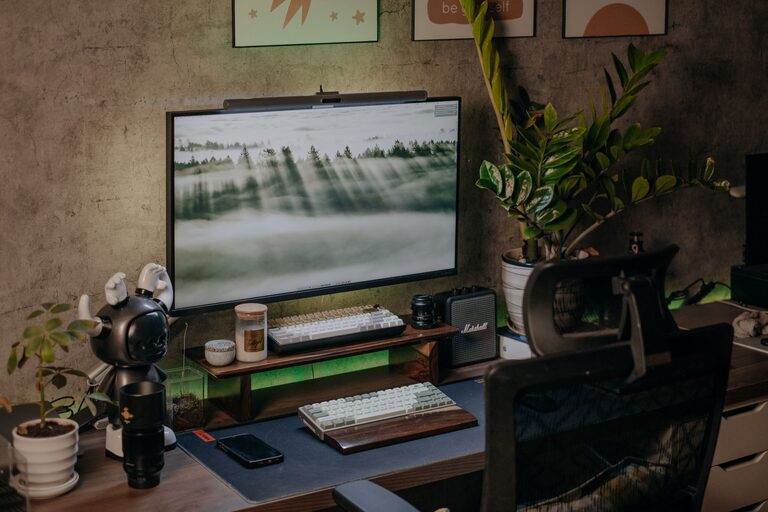
Keep only essential items on your desk to avoid distractions. Use organizers or trays to store pens, papers, and gadgets neatly.
Utilize Storage Solutions
Shelving units, filing cabinets, and drawers help you keep paperwork and supplies out of sight but easily accessible. Label containers to streamline your workflow.
Control Lighting for Comfort
Combine Natural and Artificial Light
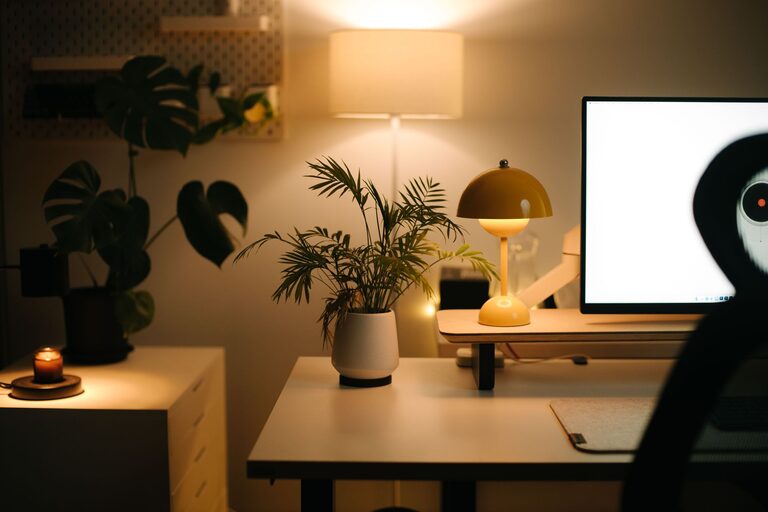
Layer your lighting with a mix of natural light, ambient overhead lights, and task lighting. A desk lamp with adjustable brightness is perfect for reading and detailed work.
Avoid Harsh Lighting
Steer clear of overly bright or flickering lights, which can cause eye strain and headaches. Use soft, warm bulbs to create a calming environment.
Pay Attention to Sound and Acoustics
Reduce Noise Distractions
If noise is a concern, consider adding rugs, curtains, or acoustic panels to absorb sound. White noise machines or calming background music can also help improve focus.
Invest in Good Headphones
For virtual meetings or concentration, noise-canceling headphones are a great tool to block out distractions and improve audio clarity.
Incorporate Technology Thoughtfully
Manage Cables Neatly
Use cable clips, sleeves, or boxes to keep cords organized and hidden. This keeps your workspace tidy and reduces hazards.
Ensure Strong Wi-Fi and Power Access
Make sure your office has reliable internet connectivity and enough power outlets for your computer, chargers, and other devices.
Create a Routine-Friendly Space
Set Boundaries Between Work and Home
Design your office area to be separate from your living spaces when possible. This helps mentally distinguish work time from relaxation time.
Include a Break Spot
If space allows, add a small chair or cushion for short breaks. Changing posture and scenery for a few moments can refresh your mind.
—
Designing a cozy, inviting home office isn’t just about aesthetics; it’s about creating a space that supports your work habits and well-being. By combining comfort, organization, and personal style, you can turn your home office into a productive and pleasant retreat. Take your time making it your own, and don’t be afraid to adjust as your needs evolve. Happy working!