Creating a relaxing home workspace is essential for anyone who works remotely or spends a significant amount of time at home on tasks. A calm and well-organized environment helps improve focus, creativity, and overall well-being. In this post, you’ll find useful tips to design a workspace that encourages productivity while keeping stress at bay.
Why a Relaxing Workspace Matters
Your home workspace directly impacts how you feel and perform throughout the day. A cluttered or uncomfortable area can lead to distractions, fatigue, and decreased motivation. Conversely, a relaxing setup helps you stay calm, organized, and energized, making work more enjoyable and efficient.
Choose the Right Location
Selecting the ideal spot for your workspace is the first step.
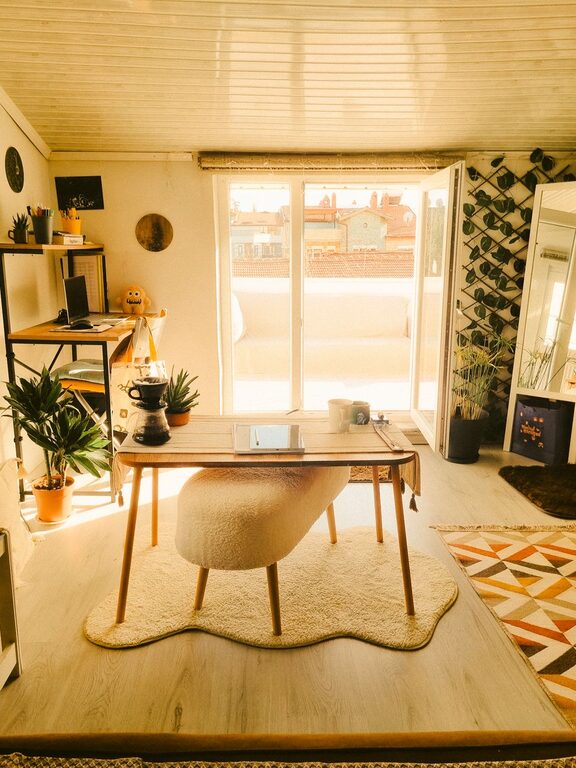
– Natural Light: Aim for a space with plenty of natural light. Sunlight not only brightens your area but also boosts mood and alertness.
– Quiet Area: Pick a spot away from noisy parts of the house, such as kitchens or living rooms with high traffic.
– Dedicated Space: If possible, dedicate a specific area or room solely for work to mentally separate job time from leisure.
Invest in Comfortable Furniture
Comfort is key to reducing physical strain during long work sessions.
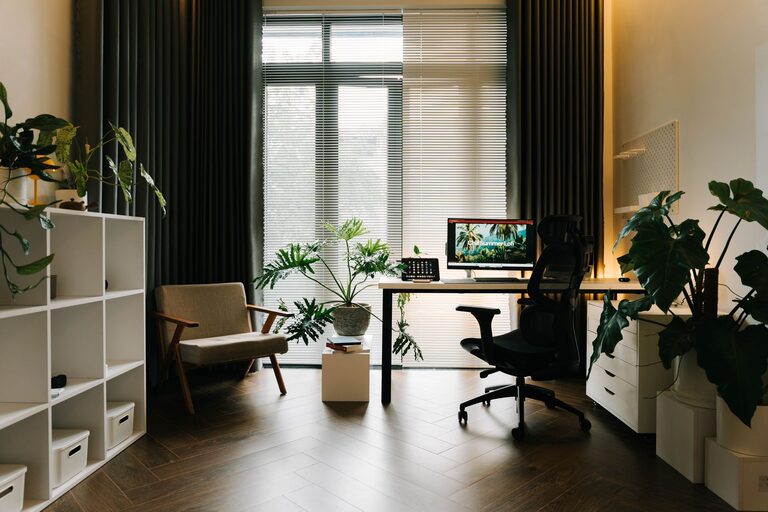
– Ergonomic Chair: A supportive chair with adjustable height and lumbar support helps maintain good posture.
– Desk Height: Ensure your desk is at a comfortable height, so your arms rest naturally while typing.
– Footrest or Mat: Consider adding a footrest or anti-fatigue mat, especially if standing desks are part of your setup.
Declutter and Organize
A tidy workspace promotes clear thinking and reduces stress.
– Minimal Items: Only keep essentials on your desk, like your computer, notebook, and pen.
– Storage Solutions: Use shelves, drawers, or containers to store supplies neatly.
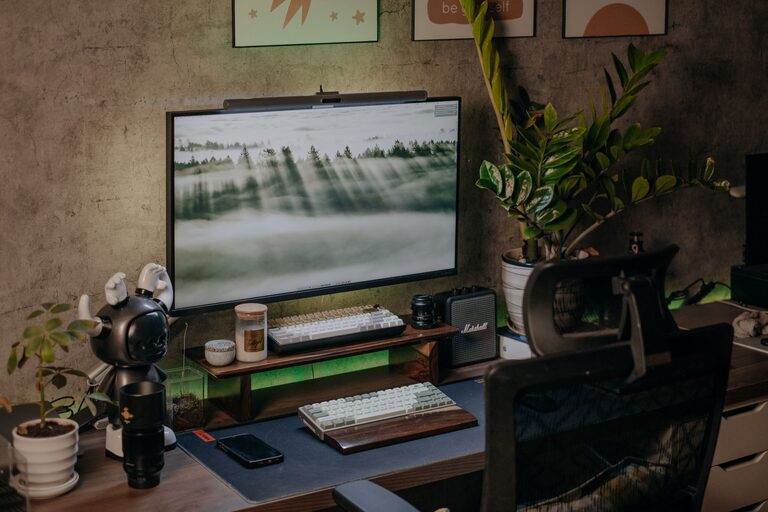
– Cable Management: Organize cables with clips or ties to avoid a tangled mess.
Personalize Your Environment
Adding personal touches can make your workspace feel inviting and calm.
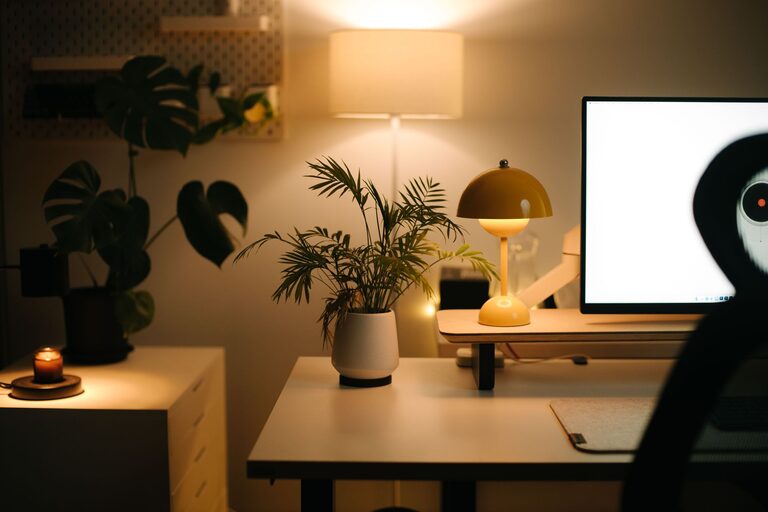
– Plants: Incorporate indoor plants, which improve air quality and add a natural touch.
– Artwork or Photos: Display calming artwork or photos that inspire you.
– Soft Textures: Add cushions or a cozy rug to create a warm atmosphere.
Control Lighting and Temperature
Proper lighting and temperature support comfort and productivity.
– Adjustable Lighting: Use lamps with adjustable brightness to avoid eye strain.
– Avoid Glare: Position screens perpendicular to windows to reduce glare.
– Comfortable Temperature: Keep the room at a comfortable temperature, ideally between 68–72°F (20–22°C).
Limit Distractions
Reducing distractions helps maintain focus during work hours.
– Turn Off Notifications: Silence unnecessary phone or computer notifications.
– Noise Management: Use noise-canceling headphones or play white noise or soft background music.
– Separate Work and Leisure: Avoid mixing work with entertainment devices unless required.
Incorporate Break Spaces
Taking regular breaks helps refresh your mind.
– Create a Relaxation Corner: If space allows, add a small chair or bean bag for quick mental breaks.
– Stretch Area: Leave room for stretching or simple exercises to reduce tension.
Keep Healthy Habits in Mind
Your workspace design can support wellness habits.
– Hydration Station: Keep a water bottle nearby to encourage drinking water.
– Healthy Snacks: Have nutritious snacks easily accessible.
– Encourage Movement: Consider a standing desk or periodically stand up to move.
Final Thoughts
Building a relaxing home workspace doesn’t require a big budget or dedicated room—it’s about thoughtful choices that enhance comfort, reduce distractions, and promote well-being. By following these tips, you can create a space where work feels less like a chore and more like a fulfilling part of your day. Take time to experiment with your setup, and adjust what works best for you.
Happy creating!